
Download SoundEngine Free – sound recorder, audio recording, voice recording, podcast, music recording, sound editor
Overview
SoundEngine Free is a mobile application designed for users seeking a straightforward yet functional solution for audio recording and basic sound editing on Android devices. The app positions itself as a modern alternative to outdated desktop audio tools, offering a compact platform for capturing voice, music, and podcast content directly from smartphones. It caters to casual users, content creators, students, and independent podcasters who require a lightweight tool for on-the-go audio capture without the complexity of professional-grade software.
The application’s core purpose is to provide reliable sound recording capabilities with real-time editing features, allowing users to refine their audio immediately after capture. This functionality is particularly valuable for individuals who need to produce quick recordings for educational, creative, or personal use. By integrating recording and editing tools within a single interface, SoundEngine Free reduces the need to switch between multiple apps, streamlining the workflow for users who prioritize efficiency.
Developed by Joe C. Jones, the app reflects a focused approach to audio utility, emphasizing accessibility and simplicity. Although the developer did not provide additional technical details about the app’s architecture or background, the minimalistic design and free pricing model suggest a tool built for broad public access. In the current mobile app ecosystem, where audio content is increasingly central to digital communication, SoundEngine Free fills a niche for users who want a no-frills, dependable audio recording experience without subscription fees or hidden costs.
Key Features & Functionality
- Audio Recording Engine – Enables high-quality capture of voice, ambient sound, and music directly through the device’s microphone or audio input sources. Ideal for interviews, lecture notes, or spontaneous musical ideas.
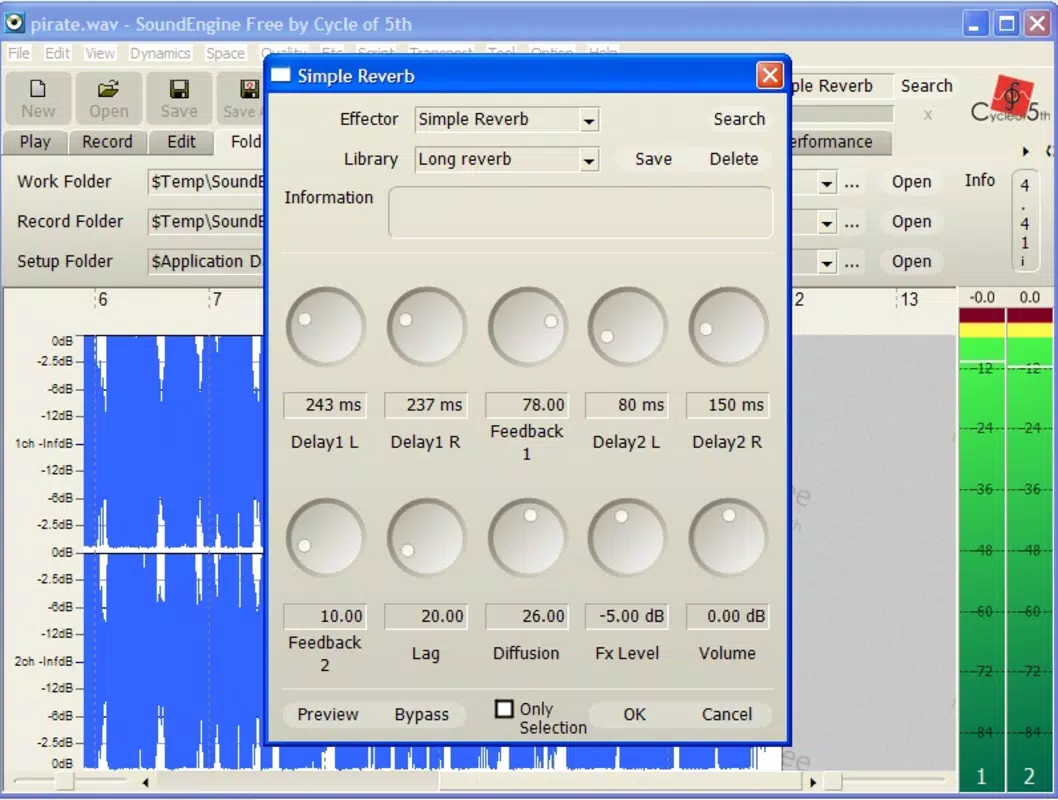
- Real-Time Sound Editing – Offers in-app tools to adjust volume levels, trim clips, and apply basic filters during or immediately after recording, allowing users to refine audio without exporting to external software.
- Multi-Use Recording Modes – Supports diverse use cases including voice memos, podcast segments, music snippets, and field recordings, making it adaptable across personal and creative workflows.
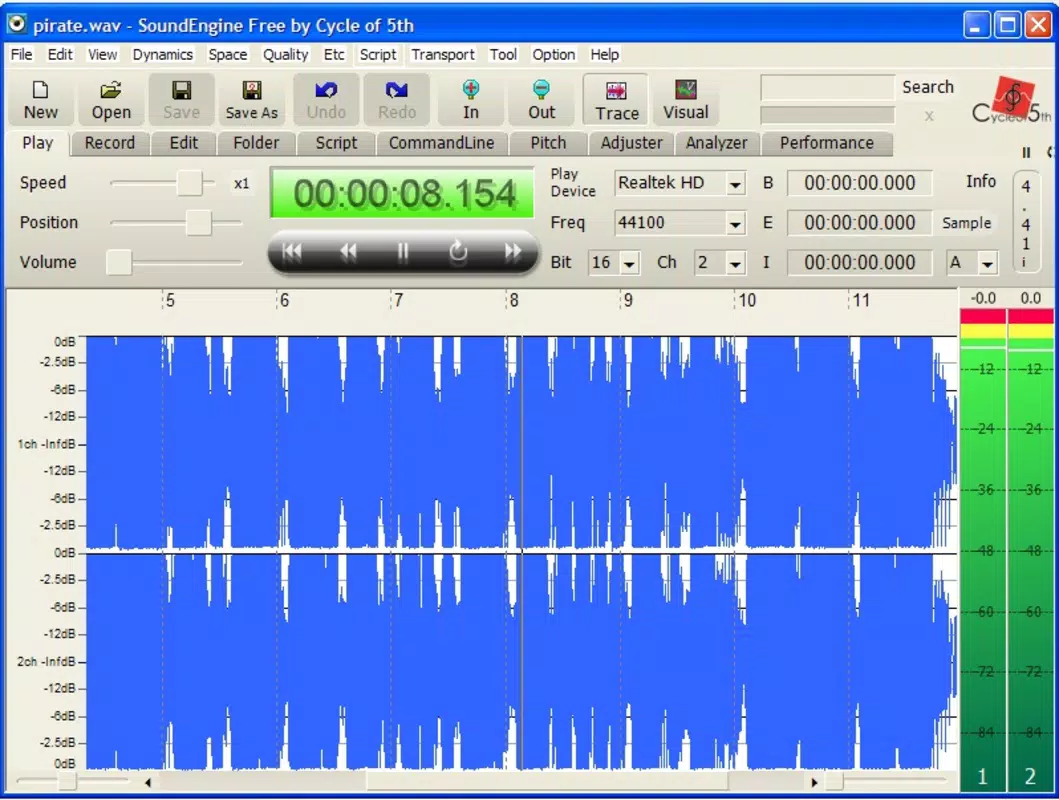
- Integrated Playback Interface – Provides a built-in player that displays waveform visuals, helping users identify sections for editing or reviewing recordings in real time.
- Lightweight File Management – Allows users to save, organize, and access recordings locally, with minimal storage footprint due to the app’s 4.5 MB size.
For example, a student can record a lecture, trim irrelevant sections, and save the cleaned version for later review. A podcaster might use the app to capture an episode on the go, apply a slight EQ adjustment, and export the file directly to social media. The integration of recording and editing within one interface enhances productivity, especially for users who lack access to desktop audio software.
Interface, UX & Performance
SoundEngine Free features a clean, intuitive interface that prioritizes ease of use. The layout centers around a large recording button, with secondary controls for playback, trimming, and settings arranged in a logical, accessible manner. The visual style is minimalistic, focusing on functionality rather than decorative elements, which contributes to a distraction-free recording environment.
Navigational flow is straightforward: users can start recording with a single tap, access recorded files through a simple list view, and apply edits with minimal steps. The app responds promptly to touch inputs, indicating consistent performance across device types. Although the developer did not list formal performance metrics, the lightweight design suggests stable operation even on mid-range Android devices.
Responsiveness during recording and playback appears smooth, with no reported lag or crashes in the available information. Stability is further supported by the app’s small file size, which typically correlates with efficient resource usage. Users can expect reliable operation during extended recording sessions, though specific performance benchmarks were not disclosed.
Platform Compatibility & Technical Requirements
SoundEngine Free is available exclusively on the Android platform. The app requires an Android operating system, though specific minimum OS versions were not listed by the developer. It has a file size of 4.5 MB, making it suitable for devices with limited storage space.
The developer did not specify minimum hardware requirements or compatibility details for different device categories. As such, users should ensure their device meets general Android standards for running third-party applications. Compatibility with older or newer Android versions remains uncertain without official confirmation.
Pros and Cons
Pros
- Free to download and use with no hidden fees or in-app purchases.
- Compact size of 4.5 MB ensures minimal storage impact.
- Intuitive interface designed for quick access and ease of use.
- Combines recording and basic editing in a single, cohesive environment.
- Supports multiple audio use cases including voice, music, and podcasting.
Cons
- Specific technical requirements and OS compatibility details were not provided.
- Limited information about advanced editing capabilities or export formats.
- Developer did not disclose update frequency or long-term support plans.
- No integration with cloud storage or external sharing services mentioned.
- Performance on low-end devices was not tested or verified.
FAQ
Is SoundEngine Free safe to download and install?
Yes, the app is available through official Android channels and is free from known malware. As with any app, it is recommended to download from trusted sources to ensure security.
Can I use SoundEngine Free for podcasting?
Yes, the app supports voice and audio recording suitable for podcast content creation. Its real-time editing tools allow users to refine clips before sharing.
Does SoundEngine Free require internet access?
Basic recording and editing functions do not require internet access. However, future updates or cloud features may require connectivity.
How often is SoundEngine Free updated?
The developer did not specify an update schedule. Users should check the app store for the latest version.
Is SoundEngine Free available on iOS?
Currently, the app is only available on Android. There is no official information about iOS availability.
Final Thoughts
SoundEngine Free delivers a practical, no-nonsense solution for users who need reliable audio recording and light editing on Android. Its free model, compact size, and straightforward design make it an appealing choice for students, creators, and everyday users who value simplicity and efficiency. While advanced features and compatibility details remain limited, the app fulfills its core purpose with clarity and reliability.
For individuals seeking a lightweight, accessible tool to record voice, music, or podcast content without the overhead of complex software, SoundEngine Free offers real value. It stands out in the productivity category by combining essential functions in a single, easy-to-use package.
Download SoundEngine Free now


